


Trusted by 3000+ Bubble devs
The best Free Course to master Bubble.io responsive design.
Feeling stuck with Bubble.io responsive engine ? Our course will show you step by step how to build truly responsive applications in Bubble, 100% for free.
Find this course on Youtube
And take your Bubble skills to the next level
4h50
Hours of content
4
Chapters
30
Video lessons
2
Practice projects
Practice makes perfect
Just a sprinkle of theory
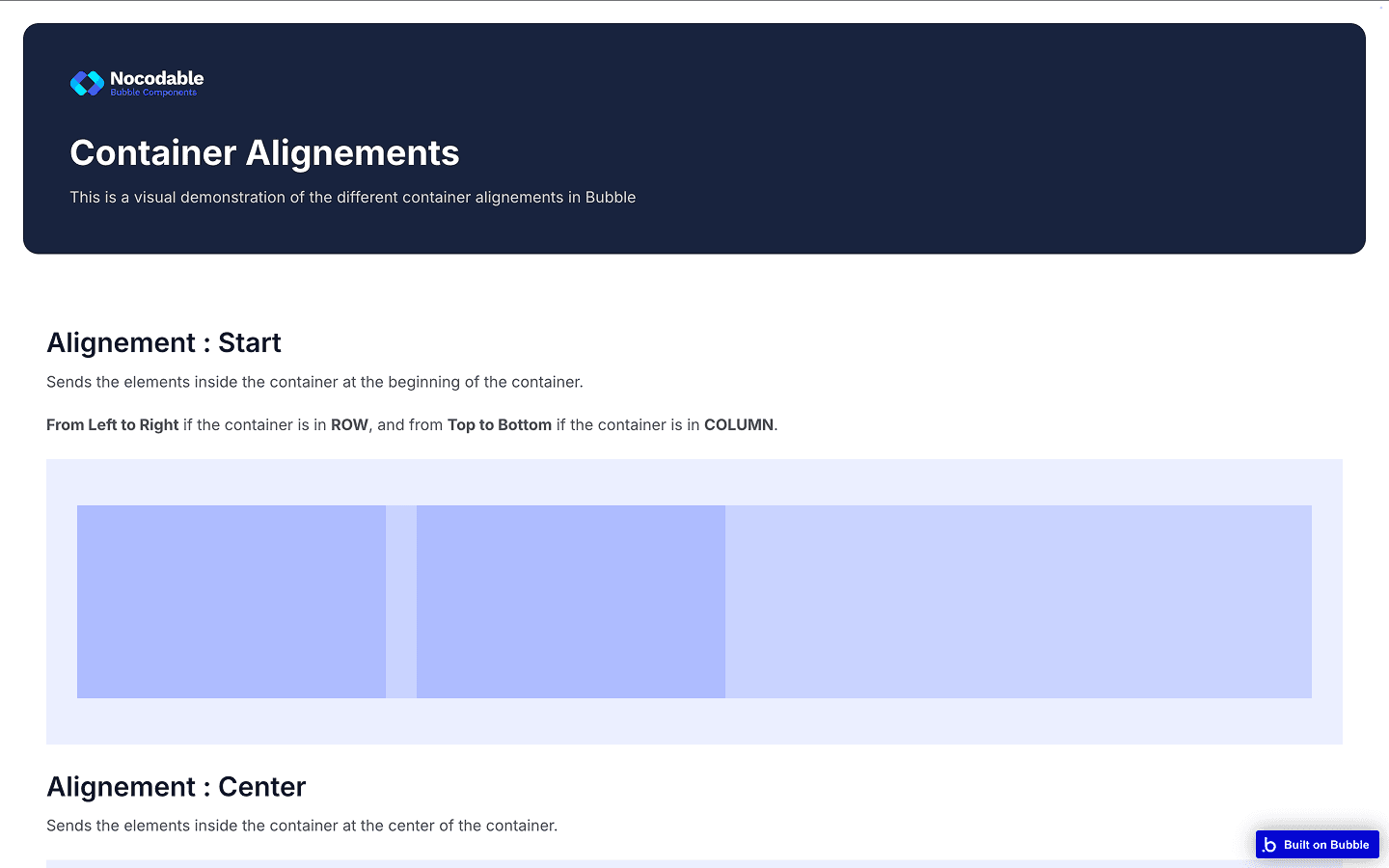
Before diving into the practice, we’ll cover the theory you should know. How Flexbox works, the different settings in Bubble etc...
Practice for real
Work on applied projects that will give you real experience you can use.
Real-Life Designs
Practice with designs you would really encounter when working on Bubble.
Applied projects to really learn.
2 practice projects
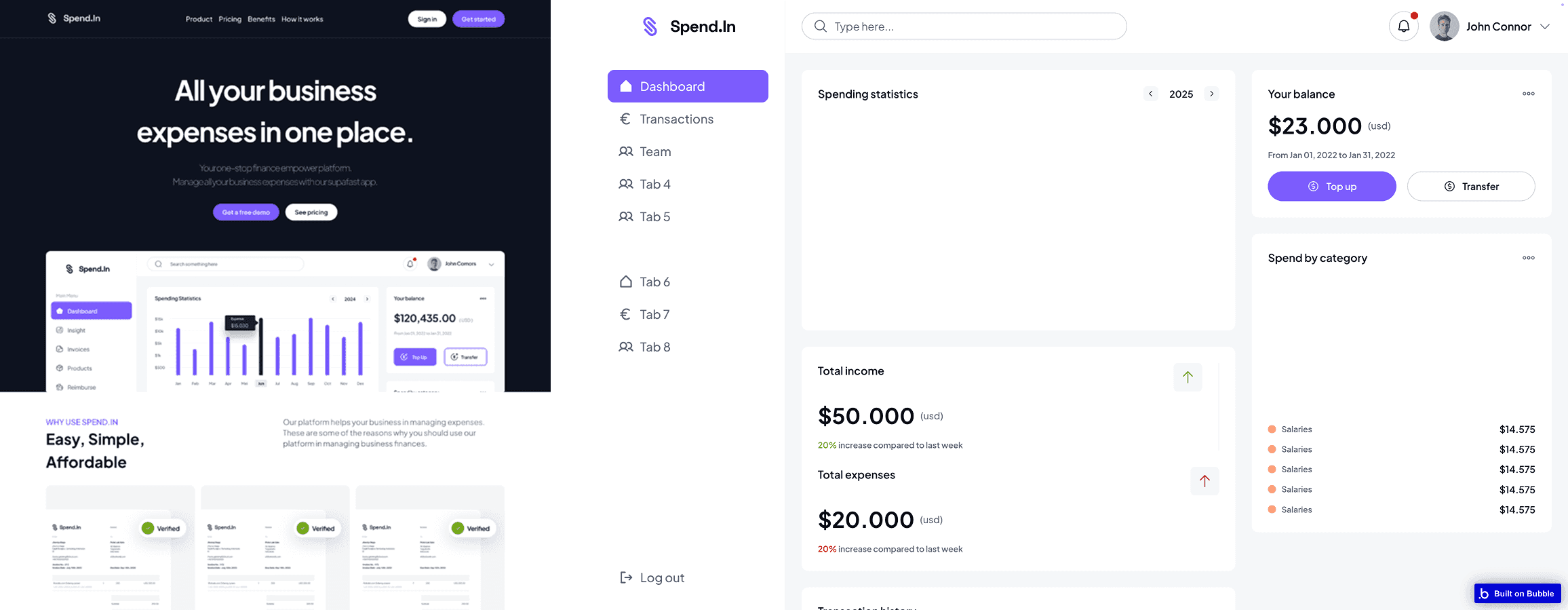
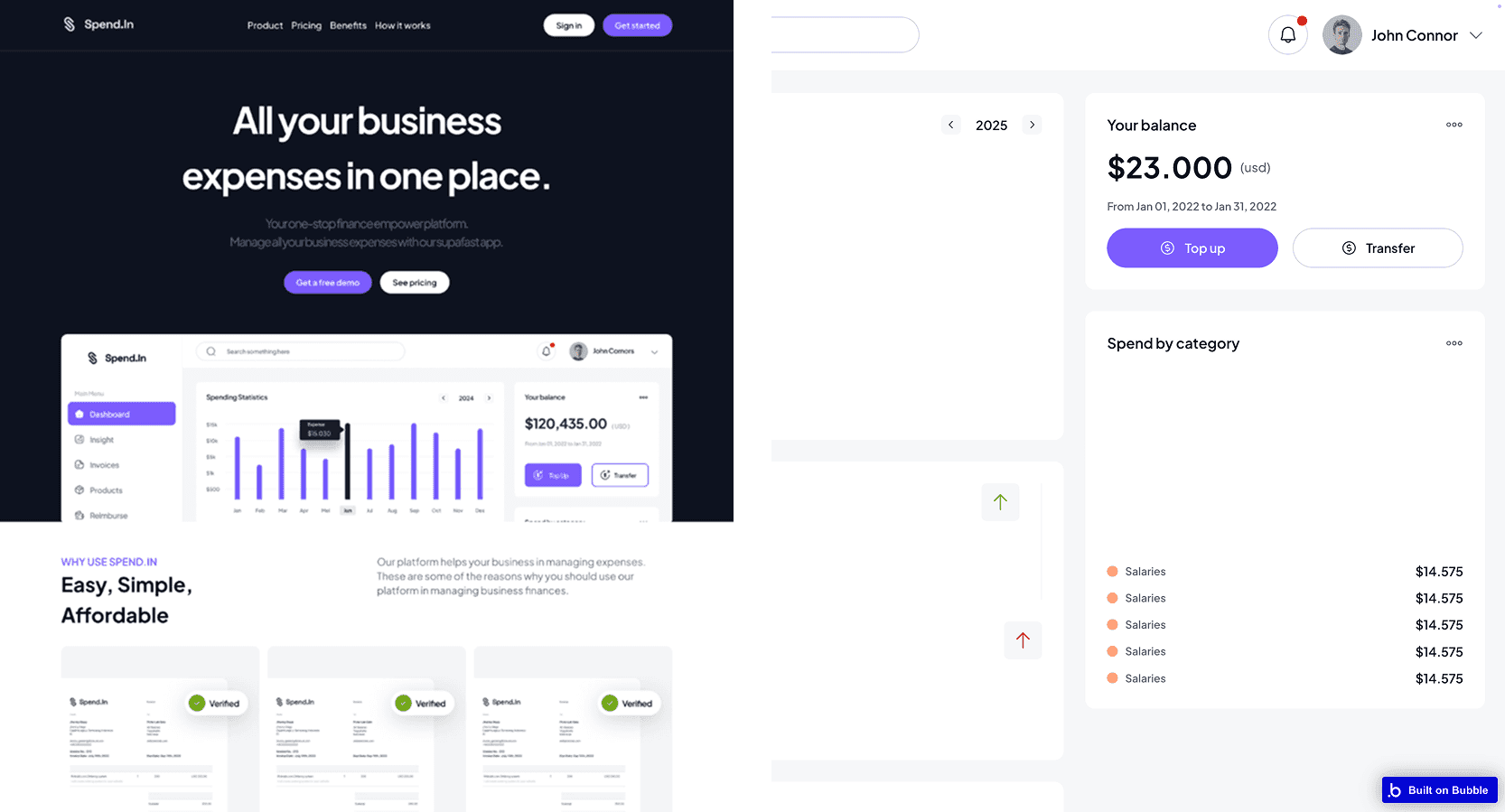
In this course, we’ll work on two complete projects : building a complete Landing Page, and a fully functional Dashboard using Figma and Bubble.
Landing Page
A nice, clean and professional Landing Page to showcase your project.
Dashboard
A fully responsive, modern and clean Dashboard you can easily re-use in your project.
Files needed included
Figma file and Bubble app included
This course includes the complete Figma file as well as the Bubble app used in the course to see the corrected version of the exercise.
Figma File
Download the Figma file used in the course to follow along and not miss anything.
Bubble app
Access the Bubble app used during the course to follow along and see working app.
Ready to finally master Bubble’s responsive?
Get your Free access to the course and finally take your Bubble's responsive skills to the next level.
Curriculum
What's on the menu?
Curious about the course’s curriculum? Come take a look !
Introduction
3 lessons - 02:58
- What to expect from this course?01:53
- How to get help if needed?00:33
- Who's your instructor?00:32
Understanding the theory
3 Lessons - 09:34
- Introduction to CSS Flexbox00:34
- Container Layouts & Alignements04:16
- Width & Height constraints (and how to use them)04:44
1st Project - Let's build a Landing Page
14 Lessons - 2:33:24
- Introduction00:56
- Analysis of the Figma design07:44
- Importing the design system from Figma to Bubble02:21
- Hero section16:53
- Production Benefits section #114:49
- Production Benefits section #209:54
- How it works section #108:36
- How it works section #208:37
- Success Stories section16:44
- Testimonials08:43
- Pricing16:48
- Call to Action (CTA)06:26
- Footer16:36
- Mobile Navigation Menu18:17
2nd Project - Let's build a Dashboard
9 Lessons - 2:01:38
- Introduction02:43
- Analysis of the Figma design03:48
- Sidebar16:41
- Header12:07
- Mobile Nav Menu07:51
- TAB 1 - Dashboard44:19
- Building the Navigation Logic03:32
- TAB 2 - Transactions History19:13
- TAB 3 - Team members11:24
Conclusion
1 Lessons - 00:35
- Conclusion00:35
Ready to finally master Bubble’s responsive?
Get your Free access to the course and finally take your Bubble's responsive skills to the next level.
Support
Frequently asked questions
Having some questions? Take a look at our frequently asked questions, and if you do not find the answer, feel free to contact us!
Do I need prior Bubble.io experience to take this course?
While basic familiarity with Bubble.io is helpful, this course is designed for both beginners and experienced users. We focus specifically on the responsive engine, so you'll be able to follow along even if you're relatively new to Bubble
Will I be able to make my existing Bubble app responsive after taking this course?
Absolutely! The course teaches you both the fundamentals of responsive design in Bubble and practical implementation techniques. You'll learn how to apply these principles to new projects as well as how to retrofit existing applications.
Do I need to understand CSS to follow this course?
No prior CSS knowledge is required. We explain the relevant CSS Flexbox concepts as they apply to Bubble's responsive engine in a way that's accessible to non-developers. You'll learn exactly what you need to know without having to become a CSS expert.
Why are we using Figma?
We use Figma in this course because it's the industry-standard design tool that allows us to create precise visual references for our Bubble.io projects. Figma designs serve as our blueprint, showing exactly how elements should be positioned, sized, and styled across different screen sizes. We only use its free version, so you don't need to pay anything else.
Is there a project I can download to practice what I've learned?
Yes, the course includes downloadable Bubble templates for both the landing page and dashboard projects. You can use these to follow along with the lessons and as a foundation for your own responsive designs.
How long will I have access to the course materials?
You'll have lifetime access to all course materials, including any future updates or improvements we make to the curriculum.
Seeking answers? your solution awaits!
Is there something you're uncertain about? Feel free to contact us!